
A USB-C cable that won’t carry 100W isn’t dangerous — it’s just mislabeling. The cable looks correct, the connector shell is correct, the box advertises 100W or “PD 3.0.” Then you plug it into a 100W USB PD charger and the charger falls back to 60W. Or worse, the laptop refuses to charge at all. The reason is almost always a missing or non-functional e-marker chip. A small importer can verify this in 30 seconds if they know what to look at.
Short answer
A USB-C cable that supports 5A current must include an e-marker chip; without it, the cable defaults to 3A and 60W per the USB Type-C specification. Ask the supplier for the e-marker chip part number and a USB-IF TID if they have one. Verify with a Discover Identity read on a USB tester that exposes the Cable VDO, and run a 5A constant-current load test on a sample.
Why this matters in real shipments
An Amazon seller based in Seattle who sold 6-foot “100W USB-C cables” from a Guangdong factory in 2024 saw a 14 percent defect rate in the first three months. Half of defects were “won’t charge.” The unit behaved correctly on a 65W brick (well under the 3A default), but customers running a 100W charger saw the device negotiate to a lower rail. The factory’s cable had the right gauge wire (5A design), but the e-marker chip was either omitted or rebadged from a cheaper source. The seller pulled the listing, then enforced a chip-ID and VDO test on the next PO and saw the defect rate drop below 1 percent in the next shipment.
Why Chinese factories often get this wrong
USB-C e-marker chips are commodity parts. A factory with a good relationship with the major e-marker vendor (Hynetek, E-Mark, VIA Labs, or Cypress) will source authentic chips. A factory under cost pressure can buy unmarked or recycled chips from the Shenzhen parts market, or omit the chip entirely if the customer only checks voltage at the connector. Some factories use a “short” or dummy chip soldered in place of the e-marker, which negotiates 3A by default and bypasses the 5A Extended Power Range. Buyers who don’t ask for a chip ID and VDO can receive a cable that is physically a 5A cable electronically configured as a 3A cable.
Step-by-step: how to verify
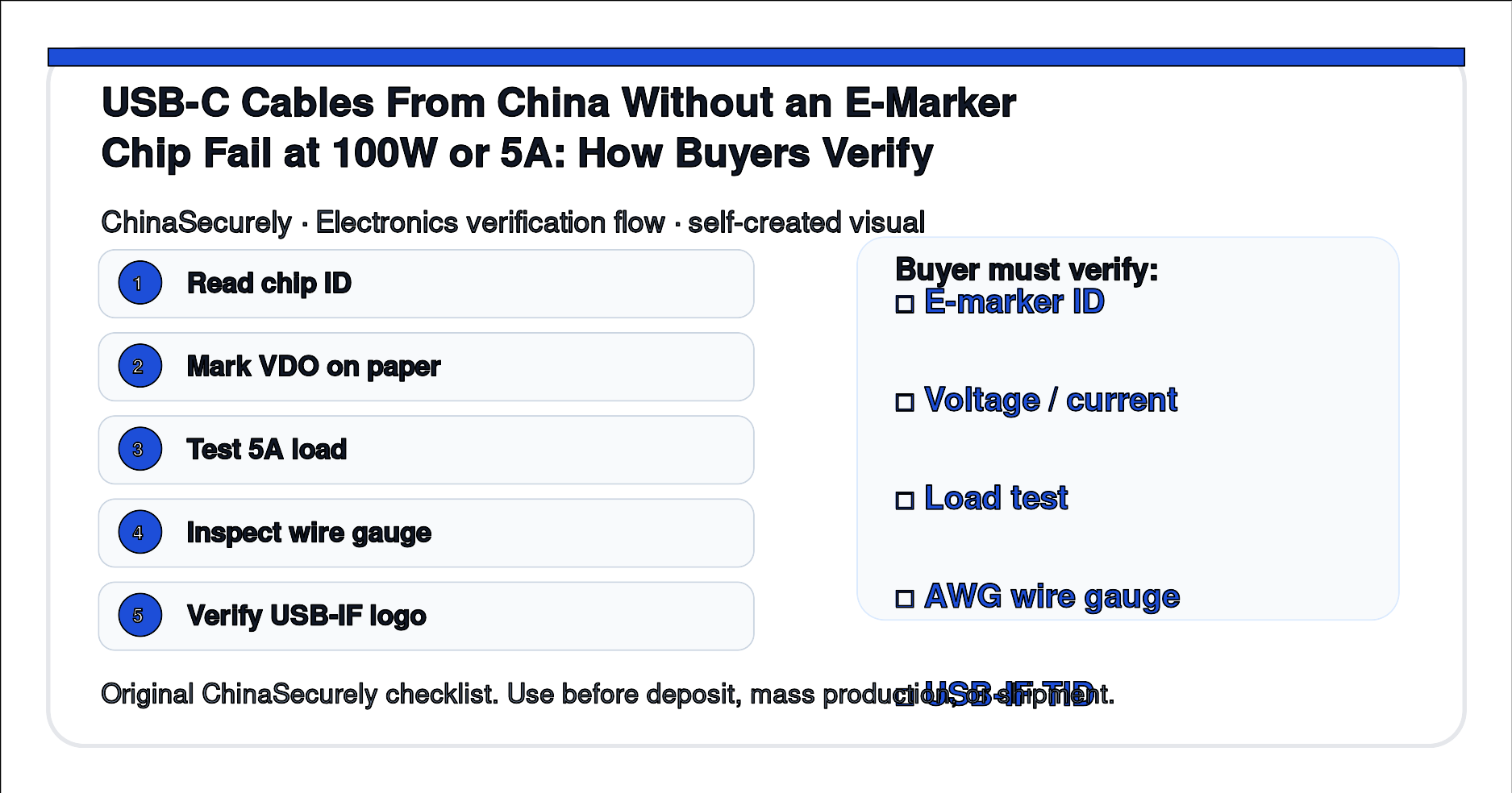
- Ask the supplier for the e-marker chip part number and the USB-IF TID, if certified. A clean TID is the strongest signal.
- Use a USB tester that exposes the Cable VDO (Volcano or Plugable) and read the Discover Identity response. Capture the chip ID, the VDO contents, and the maximum current (Ic) field.
- Run a constant-current load test. A 5A load at 20 V (100W) for 10 minutes should not trigger a USB PD renegotiation or a source shutoff. Monitor the voltage at the sink.
- Inspect the wire AWG. 5A cables should be 23 AWG VBUS (some are 21 AWG), and 28 AWG data lines. Anything heavier is fine; anything much lighter is a red flag.
- Lock and verify on bulk. After production, randomly pull three cables per thousand units; verify the same chip VDO pattern. Mismatched chip vendors across the same SKU is the cleanest red flag.
What to ask the supplier
“For 5,000 USB-C 100W cables, please confirm: (a) the e-marker chip part number; (b) the USB-IF TID if you have one; (c) the maximum current in the Cable VDO; (d) VBUS wire AWG; (e) a sample photo of the chip. Send a 5-piece pre-production sample for our 5A constant-current load test before bulk. We accept the production run only if the chip ID is consistent across all three sample units.”
Cost, risk, and trade-off notes
- An authentic e-marker chip adds roughly 0.10 to 0.40 USD per cable vs an unmarked or omitted chip.
- USB-IF certification (TID + certified logo list) costs time and money; many small factories pass on it but still produce a clean 5A cable.
- If you sell into an EU channel, REACH declarations on the cable jacket and connector shell are also required; ask the supplier for the test report.
- Some 100W cables use an EPR (Extended Power Range) protocol that needs both a 5A cable and a 28 V / 36 V capable PD charger. The cable alone does not enable 100W in EPR.
Buyer checklist
- E-marker chip part number captured.
- USB-IF TID captured or certification status acknowledged.
- Cable VDO read on the sample using a tester that exposes the Discover Identity response.
- 5A constant-current load test passed for at least 10 minutes.
- Wire AWG inspected on the actual production-run sample, not the catalogue sample.
- Pre-shipment random pull of 3 cables per 1,000 units planned.
Related questions buyers ask
- Why does my 100W cable fall back to 60W? Either the e-marker is missing, the chip is misconfigured, or the source charger has its own derating rule.
- Is a Thunderbolt 4 cable the same as a 100W USB-C cable? No, Thunderbolt 4 cables are required to be 100W-rated, but a USB-C cable carrying the Thunderbolt logo is built differently and can include active electronics.
- Can I test without a USB tester? Only weakly; a 100W-capable brick that negotiates to 60W tells you the cable is 3A-only, but it can’t tell you if the chip is real.
What to do next
If you are at sampling, send the questions above; require a Discover Identity screenshot and a 5-piece VDO read on the same chip vendor. If you are seeing 60W fall-back in the field, randomly pull three cables from the next shipment and verify the same chip ID across all three. Pull the listing and contact the supplier before paying the balance if the chip vendor changes from your approved sample.
Authoritative references
Source status: ready. Authoritative references are the USB-IF USB Type-C Cable and Connector Specification (defines the e-marker requirement and the Cable VDO), the USB-IF Cables and Connectors compliance page (background for the 60W vs 240W cable logo policy and the e-marker test plan), the USB-IF End Product Cable Test Plan (method used to verify the Cable VDO field), and ECHA REACH restrictions (background for the phthalate / REACH declaration referenced in the trade-off). The USB-IF TID database is members-only; small importers should rely on a Discover Identity read on a USB tester plus a 5A constant-current load test rather than TID lookup. The links previously listed as "Release 2.2 PDF", "USB-IF" / "usb-if.com" home, and "ECMA-628" have been removed because they were either 404 at the time of this refresh, generic, or required a paid copy; the four above are the most specific public, free-to-read sources.
- https://www.usb.org/usb-type-cr-cable-and-connector-specification — USB-IF — USB Type-C® Cable and Connector Specification (current release page; defines the e-marker requirement, the Discover Identity response, and the Cable VDO structure for 5A current and 100W/240W power)
- https://www.usb.org/cable_connector — USB-IF — Cables and Connectors compliance page (public background on the 60W vs 240W cable logo policy and the e-marker test plan)
- https://www.usb.org/sites/default/files/USB_Type-C_End_Product_Cable_Test_Plan_2016_3_14.pdf — USB-IF — USB Type-C End Product Cable Test Plan (public PDF; the method used to verify the Cable VDO field that records 5A capability)
- https://echa.europa.eu/regulations/reach/restrictions — ECHA — REACH restriction list (public searchable list of restricted substances under REACH Annex XVII, including the four phthalates restricted for plastics under EU 2018/2005; background for the REACH declaration on the cable jacket and connector shell)
Internal CTA
If you have a current USB-C 100W or 5A cable sample that is negotiating to 60W or below, ChinaSecurely can help you draft a chip-ID and Cable VDO acceptance clause for your next PO. Send the current supplier name, the cable spec, the bulk order size, and the chip part number on the existing sample through the contact form.