
Short answer: a USB hub from China that pops “power surge” or “USB device needs more power” on a Mac or PC usually has one of three root causes: the per-port current limit is below the USB spec, the hub does not implement BC 1.2 Charging Downstream Port behavior, or the upstream cable is too thin for the bus length. USB hubs are sold on feature count, so the power section is the first item the supplier cuts. Here is how to verify before bulk.
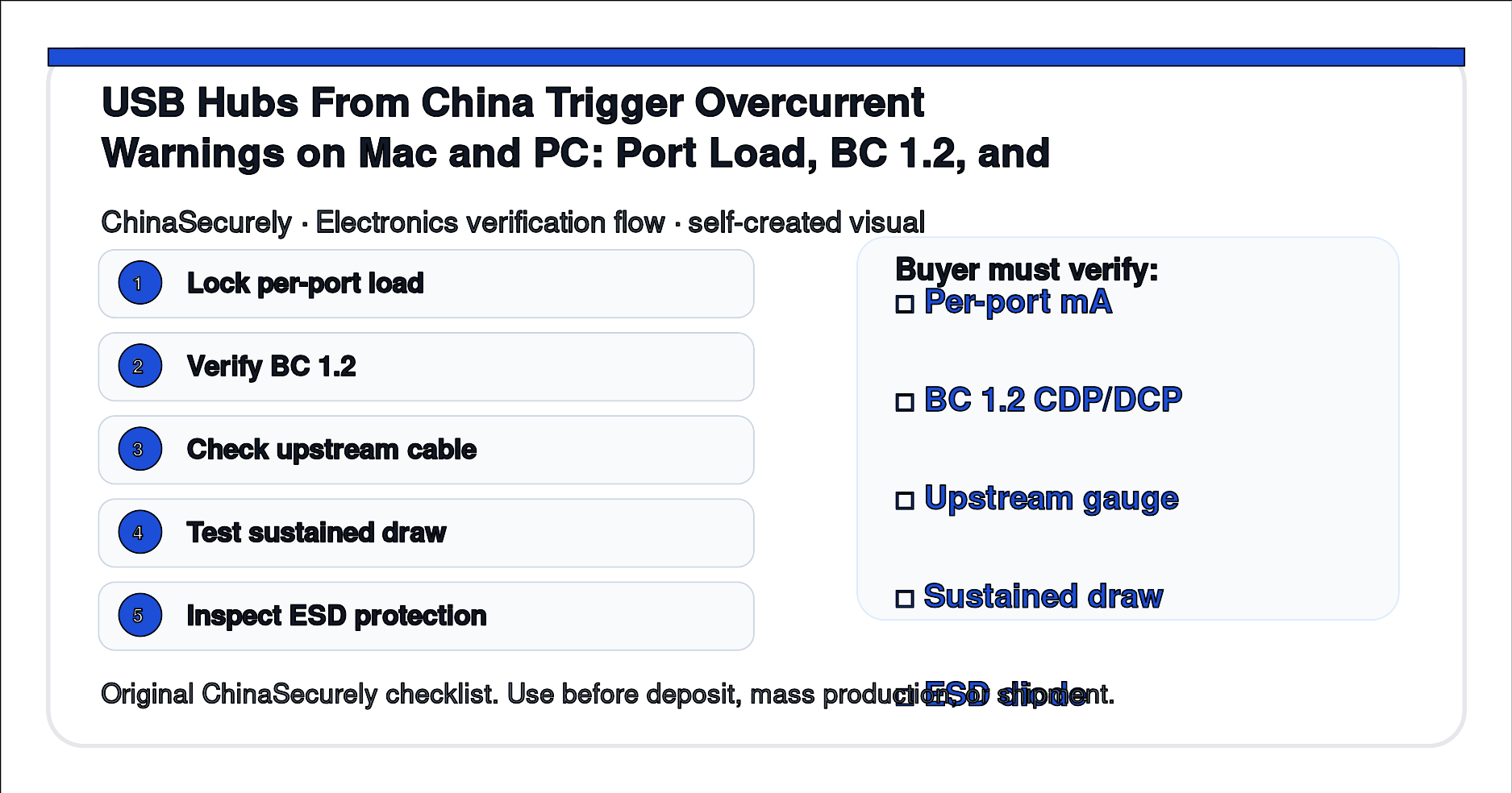
Why USB hubs trigger overcurrent warnings
USB hubs trigger overcurrent warnings for one of three reasons. The first is per-port current limit: the USB 2.0 spec is 500 mA per port and USB 3.x is 900 mA; a hub that uses an under-rated polyfuse or no polyfuse will trip the host’s protection circuit when a downstream device draws more than 400 mA. The second is BC 1.2: a hub that does not advertise Charging Downstream Port (CDP) or Dedicated Charging Port (DCP) behavior will not charge modern phones and tablets at full speed, and the host may flag the device. The third is upstream cable gauge: a 28 AWG upstream cable drops voltage over 1 m, and a downstream device sees the drop as a brownout and disconnects.
The China-side explanation is straightforward. The USB hub market is dominated by reference designs from a handful of Taiwanese and Shenzhen vendors. A factory that buys the cheapest reference design gets a hub with a 500 mA polyfuse shared across all four ports, no BC 1.2 handshake, and a bundled 28 AWG upstream cable. The hub looks identical to a 900 mA-per-port hub with BC 1.2 and a 24 AWG cable, but the electrical behavior is different and the user notices it within a week.
What to lock on the PO
- USB specification version (USB 2.0 / USB 3.0 / USB 3.2) and per-port current limit in mA.
- BC 1.2 support: Charging Downstream Port (CDP) or Dedicated Charging Port (DCP), in writing.
- Upstream cable gauge (AWG) and length (m), with a voltage drop test.
- ESD protection on data lines (IEC 61000-4-2 contact discharge rating in kV).
- Power input: bus-powered or self-powered (with adapter spec).
Buyer must verify before deposit
- Measure per-port current with a USB power meter at full load for 30 minutes.
- Test BC 1.2 CDP/DCP behavior with a CDP-capable Mac or PC.
- Measure voltage drop on the upstream cable at 0.5 m, 1 m, and 1.5 m.
- Run an 8 kV contact ESD discharge on each port and check for latch-up.
- Sustain a 900 mA draw on every port simultaneously for 1 hour.
China-side explanation
USB hub reference designs in Shenzhen come in three grades: Tier 1 (VIA, Genesys, Realtek) with full BC 1.2 and per-port current limiting, Tier 2 (no-name MCU) with shared polyfuse and partial BC 1.2, and Tier 3 (counterfeit or relabeled) with no BC 1.2 and a single shared polyfuse. The factory’s cost per hub varies by roughly $0.80 to $1.50 across the three tiers. A buyer who does not pin the controller vendor will receive whatever the factory has on the line that day. Asking for the controller part number and a sample retention clause lets you lock the original batch.
Step-by-step solution
- Send the supplier a written spec with USB version, per-port mA, BC 1.2, AWG, and ESD rating.
- Request a 50-piece pre-production sample with the controller vendor disclosed.
- Run a sustained draw test with a USB power meter on every port.
- Verify BC 1.2 behavior with a CDP-capable Mac host.
- Inspect 1 percent of bulk at random with a USB power meter before shipment.
Quick checklist
- USB version: 2.0 / 3.0 / 3.2, per-port mA = ______.
- BC 1.2: CDP / DCP / none, controller vendor = ______.
- Upstream cable: ______ AWG at ______ m.
- ESD rating: ______ kV contact, IEC 61000-4-2.
- Power: bus-powered / self-powered, adapter spec = ______.
Sources
- USB Implementers Forum — USB specification documents
- USB BC 1.2 — Battery Charging Specification
- eCFR Title 47 Part 15 — Radio frequency devices
- FCC — Equipment authorization database
- QIMA — Pre-shipment inspection for electronics
This article is for sourcing verification, not for USB compliance certification. Confirm the hub’s FCC ID and BC 1.2 behavior on your target host before bulk.