
Short answer: a USB-C to Lightning cable from China that triggers the “This accessory is not supported” warning on an iPhone or iPad usually has one of three root causes: the supplier is not on Apple’s MFi licensee list, the authentication IC is missing or cloned, or the connector serial number is not registered with Apple. MFi is the single most expensive licensing program in the consumer cable industry, so it is also the most commonly skipped or faked. Here is how to verify before bulk.
Why MFi cables fail authentication
MFi cables fail for one of three reasons. The first is the most basic: the supplier is not on Apple’s published MFi licensee list. Without MFi licensing, the factory cannot legally source the authentication IC (ASIC) from Apple’s authorized distributors, so the cable has no authentication handshake at all. The second is that the supplier is on the list but has quietly switched to a cloned authentication IC for the bulk run because the real IC costs more and has lead time. The third is that the supplier’s authentication IC is genuine but the connector serial number does not match Apple’s registration database, so the cable fails after the first iOS update that tightens the handshake.
The China-side explanation is straightforward. A genuine MFi authentication IC costs the factory a few US dollars per cable and has a 6 to 12 week lead time. A cloned IC costs cents and ships from stock. Apple tightens the authentication handshake with each major iOS release, so a cable that passes on iOS 16 may fail on iOS 17 or iOS 18. The supplier cannot test this without a fleet of iPhones running the latest iOS.
What to lock on the PO
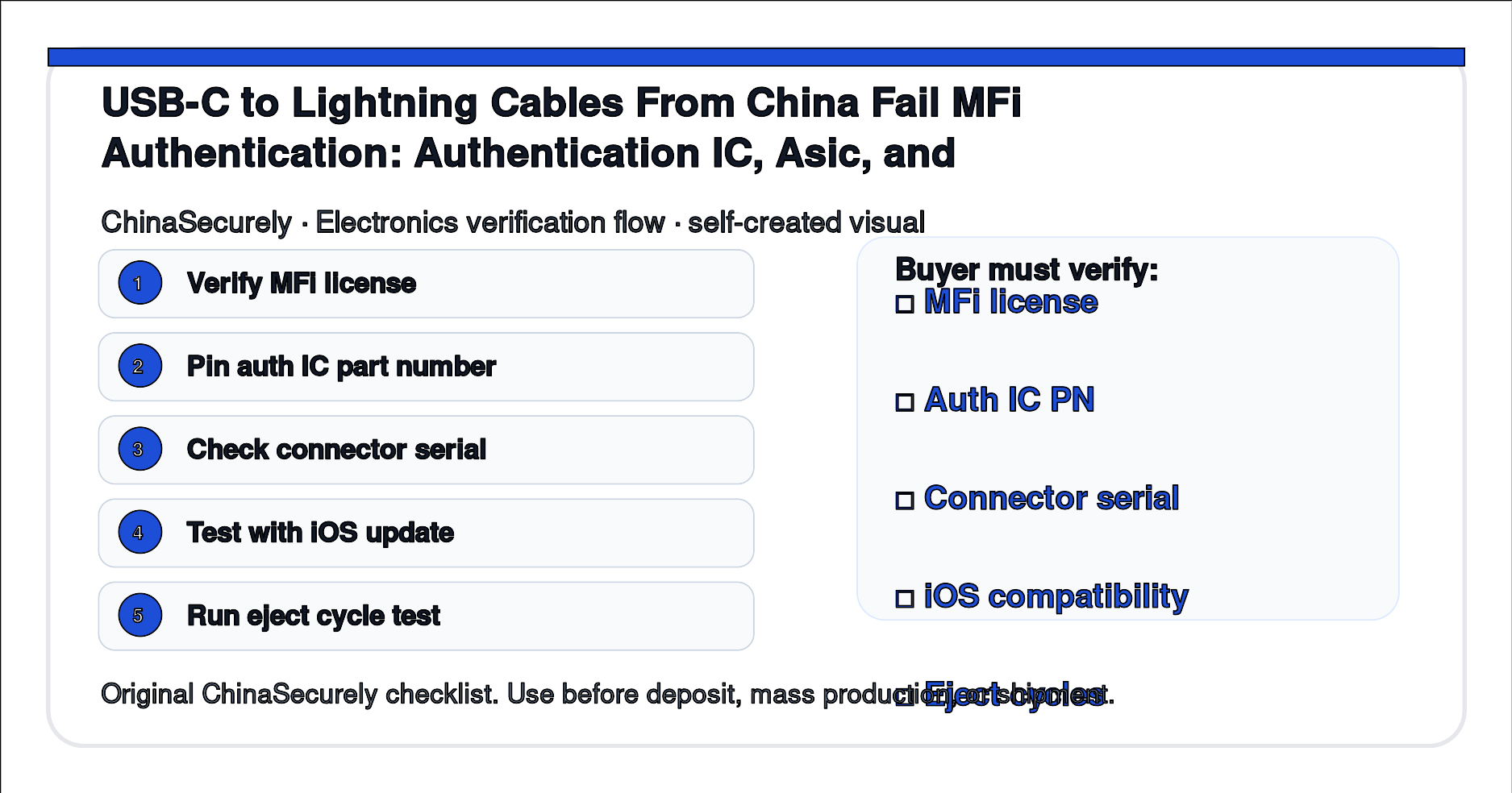
- Supplier must be on Apple’s published MFi licensee list before deposit.
- Authentication IC part number in writing, with the authorized distributor name.
- Connector serial number range and registration with Apple.
- 100-connector sample test clause on the buyer’s latest iOS version.
- Eject cycle test minimum (1,000 cycles) and iOS update compatibility clause.
Buyer must verify before deposit
- Verify the supplier is on Apple’s MFi licensee list at mfi.apple.com before sending any deposit.
- Request the authentication IC part number and the authorized distributor name.
- Run a 100-connector sample test on the latest iOS release. None should trigger the unsupported warning.
- Run a 1,000-cycle eject test on 5 sample cables. None should fray or break.
- Test on three different iOS versions if possible. Apple tightens authentication with each release.
Source URLs
- Apple MFi licensing program: https://mfi.apple.com/
- Apple MFi contact for licensees: https://developer.apple.com/contact/mfi/
- USB Implementers Forum cable documents: https://www.usb.org/documents
- eCFR Title 47 Part 15 radio frequency devices: https://www.ecfr.gov/current/title-47/chapter-I/subchapter-A/part-15
- FCC equipment authorization database: https://www.fcc.gov/engineering-technology/lab-general/equipment-authorization
- QIMA pre-shipment inspection reference: https://www.qima.com/quality-control-inspections/pre-shipment-inspection
This article is for sourcing verification. Confirm MFi licensing, authentication IC sourcing, and iOS compatibility with Apple directly before signing the bulk PO.